


IMSVA provides
a Configuration Wizard to help you configure
all the settings you need to get IMSVA up
and running.
Procedure
- Make sure that your management computer can ping IMSVA's IP address that you configured during installation.
- On the management computer, open Internet Explorer, Firefox or Microsoft Edge.
- Type the following URL (accept the security certificate
if necessary):
https://<IP address>:8445The logon screen appears. - Select the Open Configuration Wizard check box.
- Type the following default user name and password:
-
User name: admin
-
Password: imsva
The Configuration Wizard screen appears.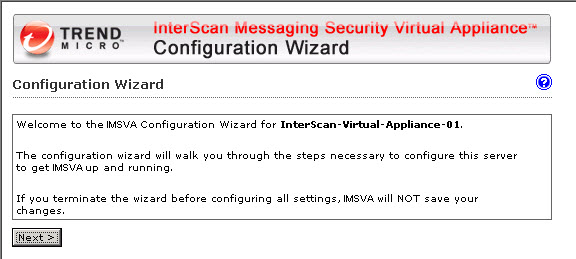
Configuration Wizard screen -
- Progress through the Configuration Wizard screens to configure the settings.