


Procedure
- Click Next.The Update Source screen appears.
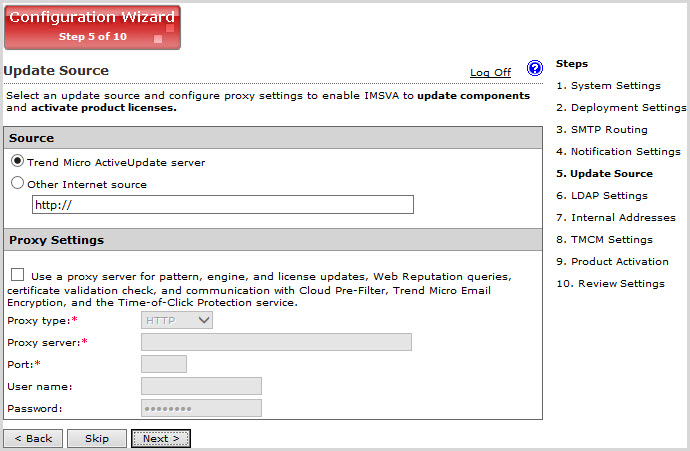
Update Source - Configure the following update settings, which will determine
from where IMSVA will
receive its component updates and through which proxy (if any) IMSVA needs
to connect to access the Internet:
-
Source: Click Trend Micro ActiveUpdate (AU) server to receive updates directly from Trend Micro. Alternatively, click Other Internet source and type the URL of the update source that will check the Trend Micro AU server for updates. You can specify an update source of your choice or type the URL of your Control Manager server
http://<TMCM
                                 server address>/TvcsDownload/ActiveUpdate/
, if applicable. -
Proxy Settings: Select the Use proxy server check box and configure the proxy type, server name, port, user name, and password.
-