


ScanMail keeps a log of all its activities and writes them to the Log Database (
smvlog.nsf).Logs represent a valuable source of system information. Examine all (or selected)
log entries to learn what type of malware ScanMail detected in messages, shared databases,
and replication transactions.
Depending on the volume of traffic a server handles and the number of malware it encounters,
the Log Database may grow quite large. Delete logs manually or schedule ScanMail to
delete logs automatically.
You can view Mail Scan Logs and Database Scan Logs by selecting from the ScanMail
Log Database left menu.
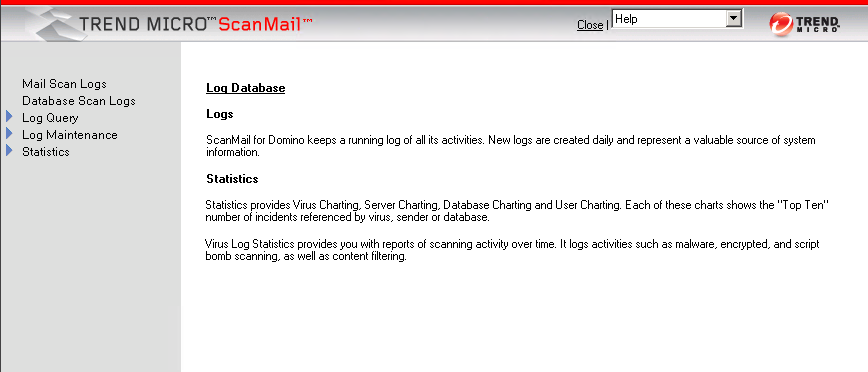
An aggregate view of ScanMail activity is available in the Statistics screen.
 |
NoteIn a multi-server environment, you may prefer to have a single, central server that
consolidates logs from all the ScanMail servers. Trend Micro recommends setting up
pull-only replications from the peripheral servers to the central Domino server.
|