


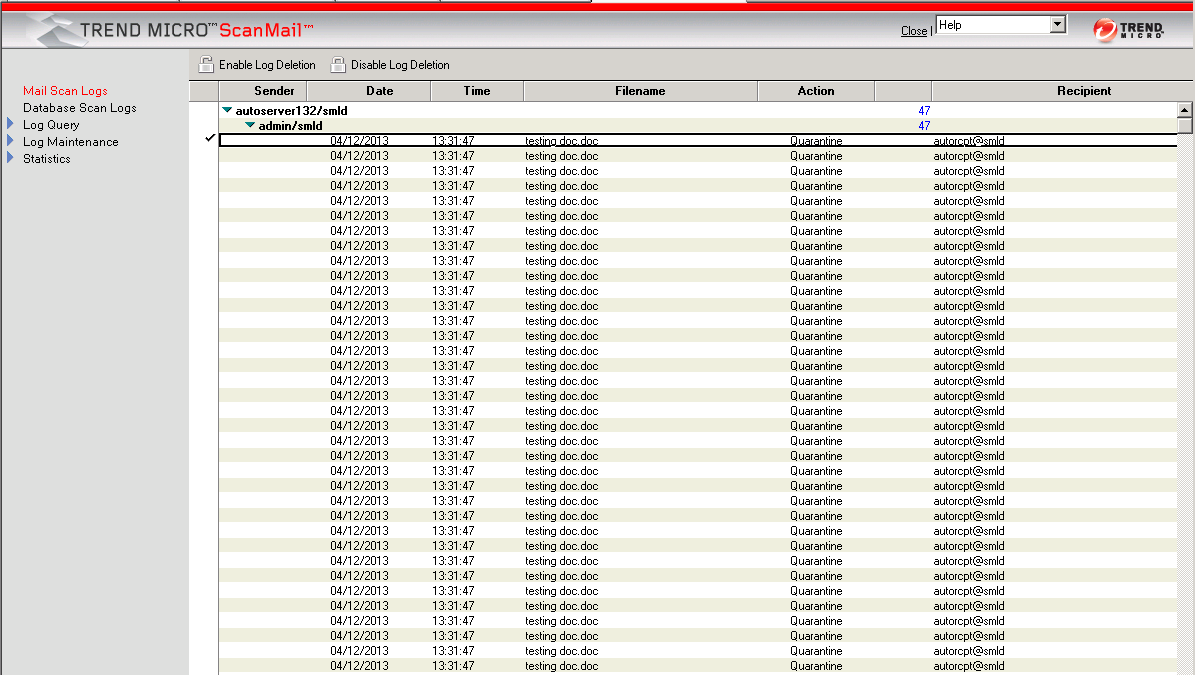
Use the Log database to enable or disable log deletion. When a log is enabled for
deletion, ScanMail can delete it automatically.
To delete logs automatically:
-
Do one of the following to open the Log database:
-
From the ScanMail Configuration left menu, click Log Database.
-
Open
smvlog.nsf.
-
-
Select which logs you want to enable or disable for deletion.
-
Click Enable Log Deletion or Disable Log Deletion.
 |
NoteBefore enabling the deletion of a number of logs, Trend Micro recommends reviewing
them to verify that they are expendable.
|