Procedure
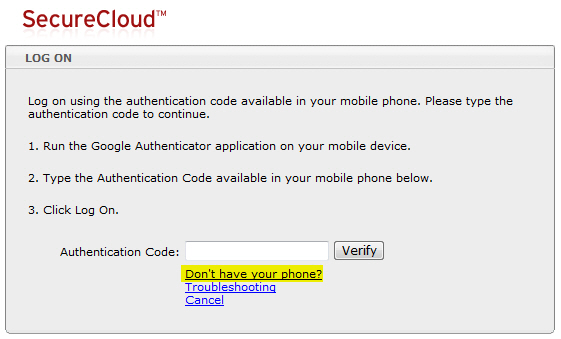
- After providing your account user name and password,
click the Don’t have your phone? link on
the Log On Authentication Code page.
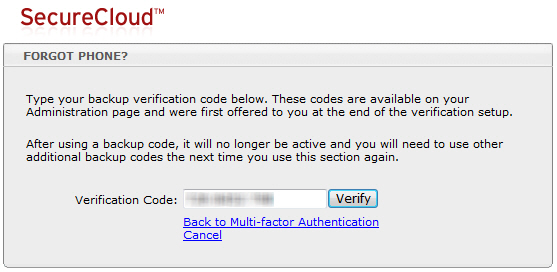
The Forgot Phone? page opens.
- Type an active backup code in the Verification
Code field, and then click Verify.
The SecureCloud web console appears. Otherwise, if the
backup code you supplied is already deactivated (because it has
been used already), a message similar to the following appears:
Supply another active backup
code.