Log On to the SecureCloud Web Console (Standard Method) Parent topic

The SecureCloud Web Console is the Graphical User Interface (GUI) front end to the Key Management Server. Your interaction with the SecureCloud Web Console is based on role-based administration and privilege levels. The SecureCloud Server allows for multiple users, having varying user roles (see User Roles for details).

Procedure

  1. Using one of the supported Internet browser, go to the appropriate SecureCloud web console.
    • For SaaS users—open https://console.securecloud.com.
    • If you are using a provider other than Trend Micro, please contact your vendor for your SecureCloud web console URL.
    mc.jpg

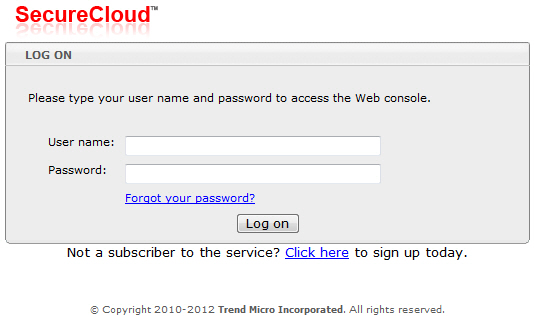
    The SecureCloud web console appears.

  2. Supply your user name and password.
    These are the details you specified during account subscription.
  3. Click Log On.
Depending on your MFA status, you may need to go through the MFA logon process before obtaining access to the SecureCloud web console.