Procedure
- On the Administration > MFA
Backup Codes page, click
 .
.
- Wait for some time for the page to refresh.
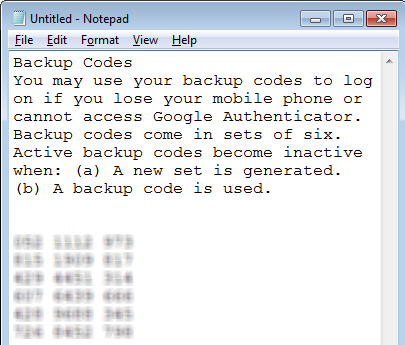
- Backup the generated codes by copying them to a text
file (for example, Notepad) and saving it in a directory location
that only you can access.
The new set of backup codes will be listed.