Post-installation Tasks Parent topic

After installing the SecureCloud agent application on the target system, refer to the list below for some necessary tasks to perform to begin provisioning a device:

Procedure

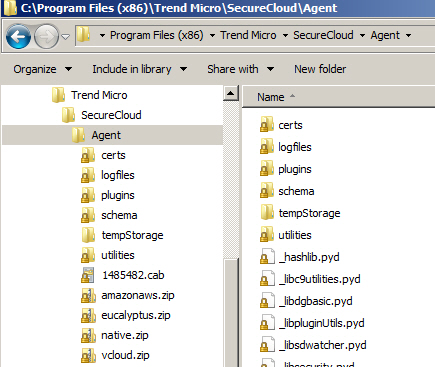
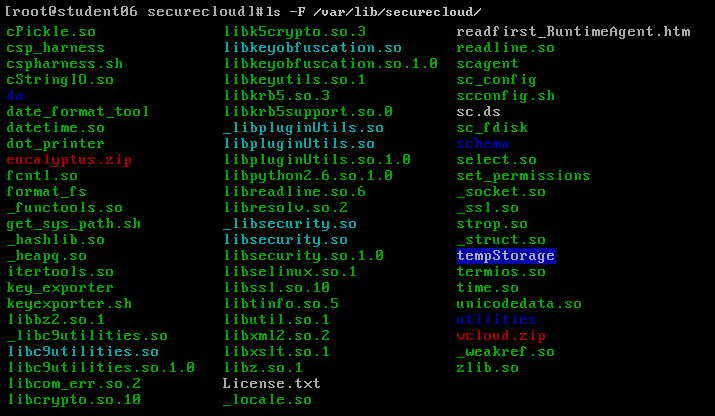
  1. On the system where you installed the agent, check if the following directory is present:

    agent_windows_directory.jpg

    Agent program and files on Windows

    agent_linux_programs.jpg

    Agent program and files on Linux

  2. Check for agent service, and ensure that it is stopped. For details, see Start and Stop the Agent Service.
If you have not provision any device, please refer to Getting Started with SecureCloud for details on how to begin encrypting your storage devices.