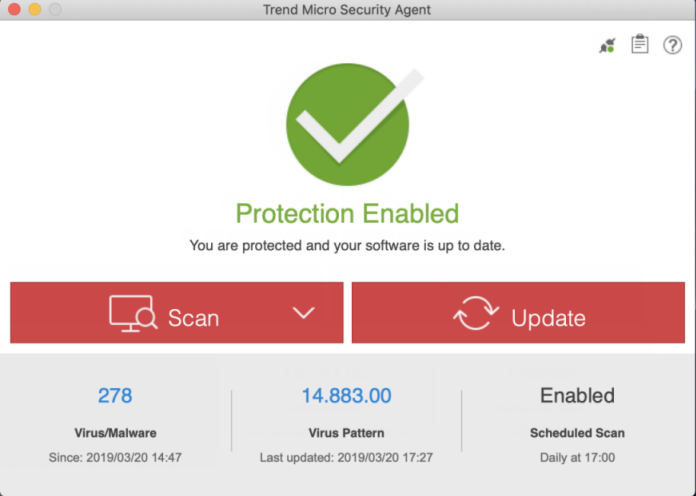
Update components regularly to protect your endpoint from the
latest security risks.
The
Security Agent
downloads new components available on the
Worry-Free Business Security
Services
server, the primary update
source.
The
Worry-Free
Business Security Services
administrator can configure the
Security Agent
to update from the Trend Micro ActiveUpdate
server if the
Security Agent
is unable to connect to the
Worry-Free
Business Security Services
server. Internet connection is
required to connect to the ActiveUpdate server.
Procedure
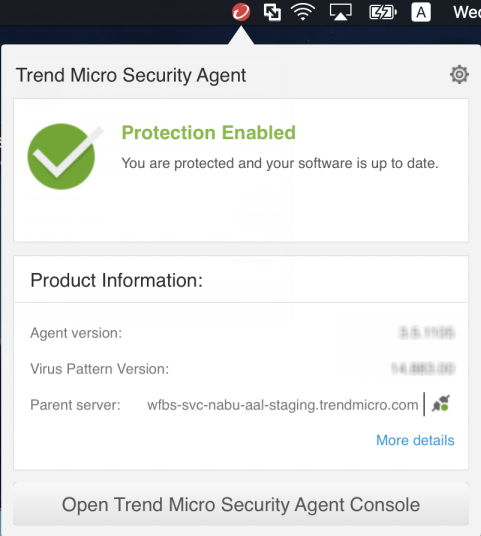
- Click the agent icon on your endpoint's system
tray and click Open Trend Micro Security Agent
Console.
- Click Update.