


You can open the console from the Start menu. Select . If the agent is not running, its icon will appear on the system tray. If it is already running, the console opens.
You can also open the console from the Windows Task Bar.
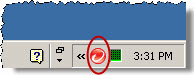
Right-click the agent icon and select .