


If privileges have been granted by the administrator, users have the ability to customize Security Agent settings.
To check the settings that administrators have allowed you to customize,
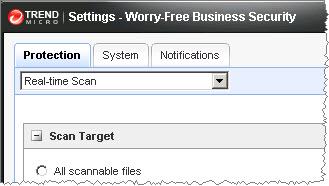
click the Settings button ( ) from the main console. This opens a window with
the following tabs containing the settings:
) from the main console. This opens a window with
the following tabs containing the settings:
|
Tab |
Settings |
|---|---|
|
Protection Tab |
|
|
System Tab |
|
|
Notifications Tab |
Notifications |