


The Products Not Activated screen appears when the tool detects
that Windows and/or Microsoft Office are installed but not activated. You can choose
to activate the products or continue with image preparation.
 |
NoteTrend Micro recommends activating Windows and Microsoft Office to ensure normal
operation of the image.
|
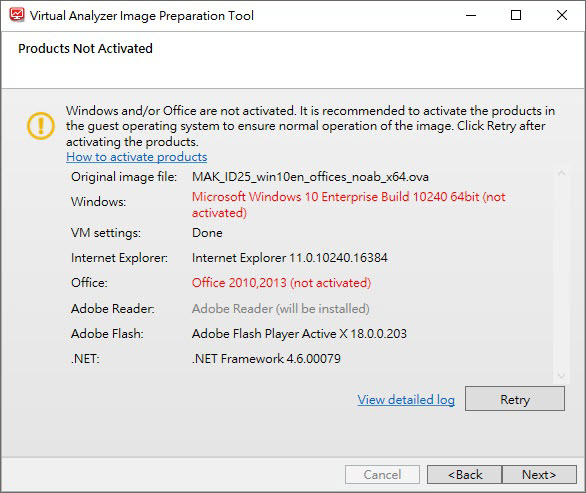
To activate Windows and/or Microsoft Office, perform the following steps.
Procedure
- Open VirtualBox and run the virtual machine.
- Activate Windows and/or Microsoft Office.
- After the software activates, go back to the tool and click Retry.