


If you did not receive your account password reset email, you can perform troubleshooting.
Before completing the following steps, you should have completed the steps in Forgot your password? to trigger a password reset email.
Procedure
- Search for an email message with the subject line "Verify your email address" sent
from no-reply@cloudone.trendmicro.com.If the email is not in your email Inbox, try checking your Junk folder.If you cannot find the email or if it is more than 24 hours old, visit Business Success to obtain help from a support agent.
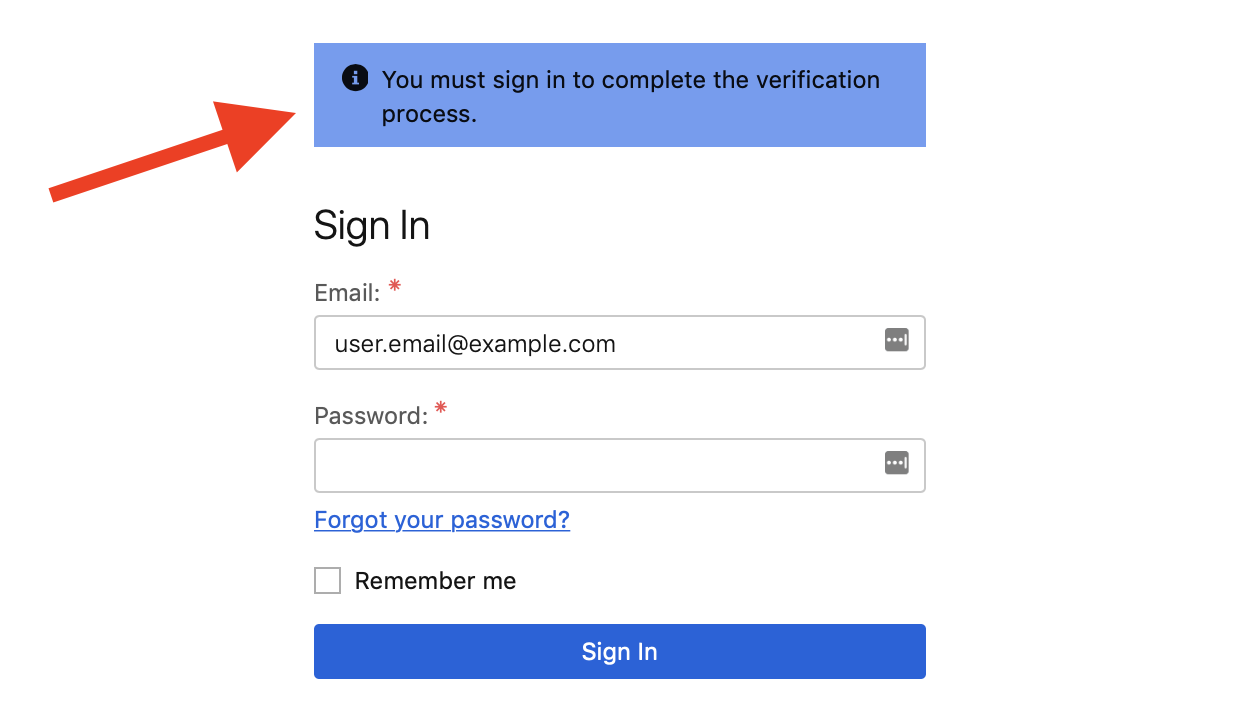
- Open the email and click Verify email.You are taken to the Sign In page with a banner notifying you that you must sign in to complete the verification process.
- Click Forgot your password?You are taken to the Forgot Password page.
- Enter your Email.
- Click Send Email.
- Search for an email message with the subject line "Reset your password" sent from
no-reply@cloudone.trendmicro.com.If the email is not in your email Inbox, try checking your Junk folder.If you cannot find the email, visit Business Success to obtain help from a support agent.
- Open the email and click Reset Password.You are taken to the Password Reset page.
- Enter your new Password.
- Click Create new password and sign in.