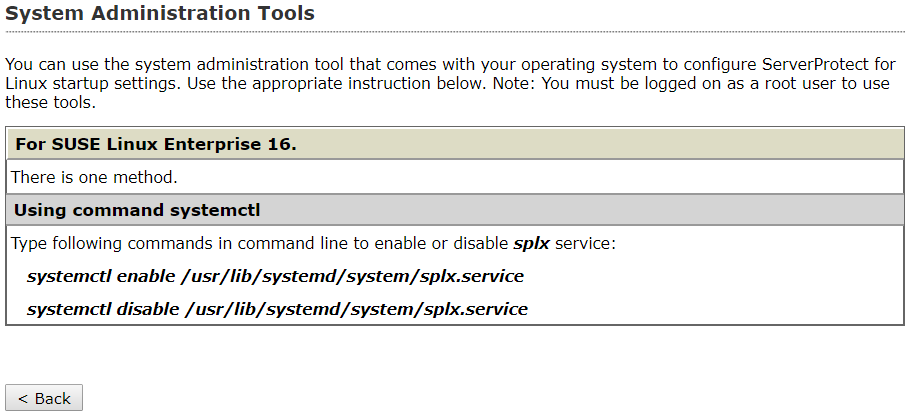
By default, ServerProtect starts whenever
you turn on the server hosting it. To change the startup setting, use the Linux Service
Configuration utility. The method of configuring startup settings varies for each
supported Linux
distribution.
To display help information on startup settings in the ServerProtect Web console, select and click the system administration tool link. The following screen appears: