


An SMD scheduled scan/update cannot be re-run if the scheduler failed to start at
the scheduled time. A workaround for this issue is:
-
Add SMDdbs/SMDupd as a startup server task in
notes.ini.Example:ServerTasks=XXXX,XXXX,XXXX,XXXX,SMDdbs,SMDupd
Note
TheXXXXin this example represents already existing task names innotes.ini. -
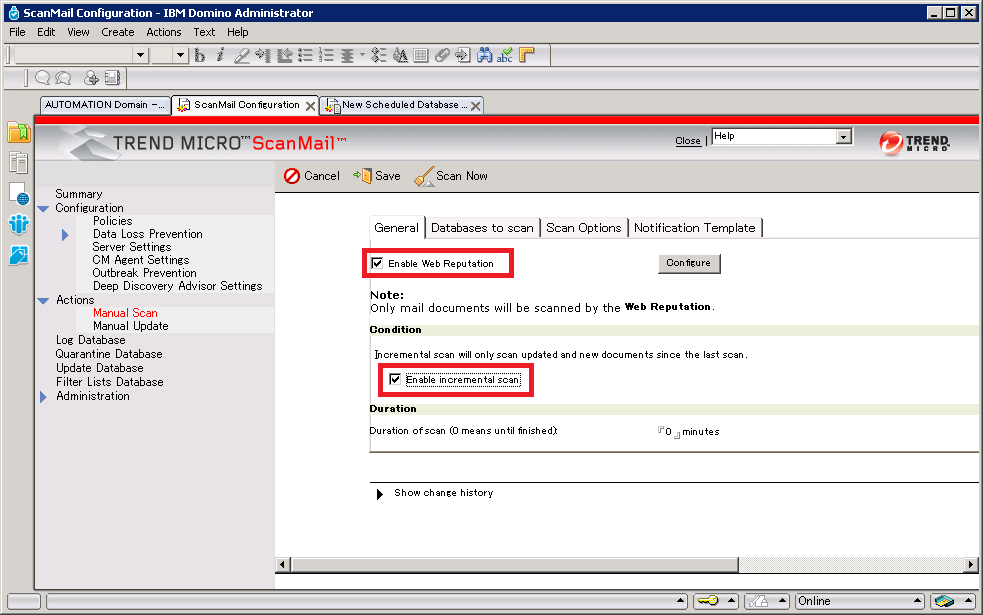
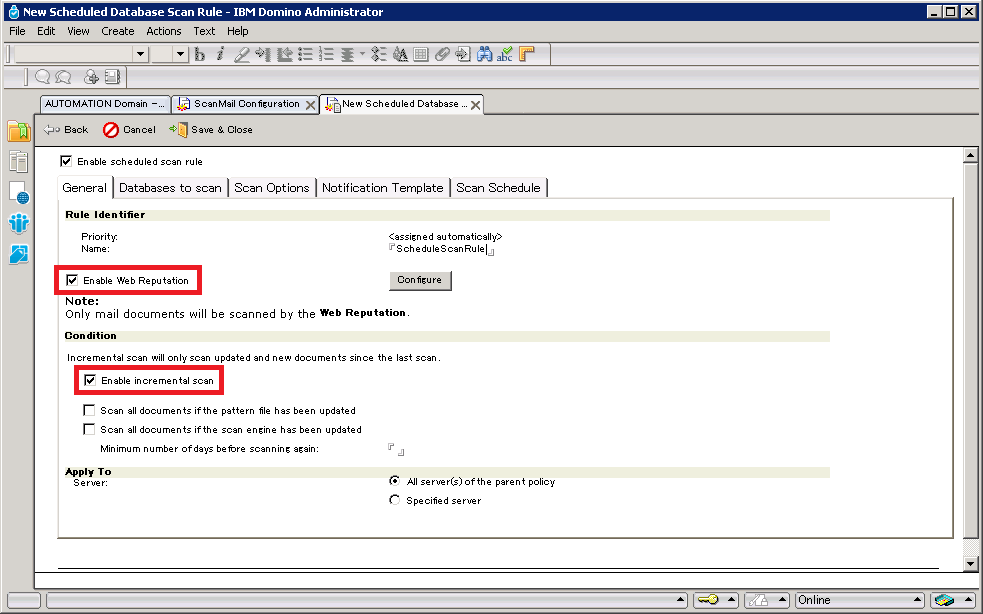
Use the same settings that are specified in the Scheduled Scan/update settings to configure the Manual Scan/update settings.
 When the Domino server encounters a restart, such as a nightly backup, smddbs/smdupd will run the same scan/update tasks as the scheduled scan/update.