To start a scan:
-
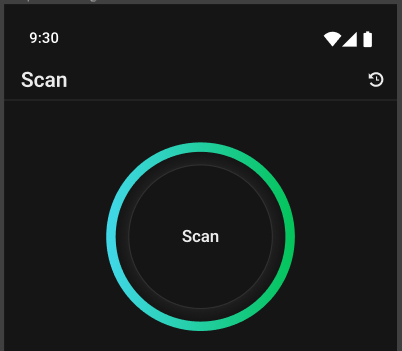
From the main menu, tab Scan.
-
Tab the Scan icon.
After a scan is complete, the scan result summary appears.
To stop a scan:
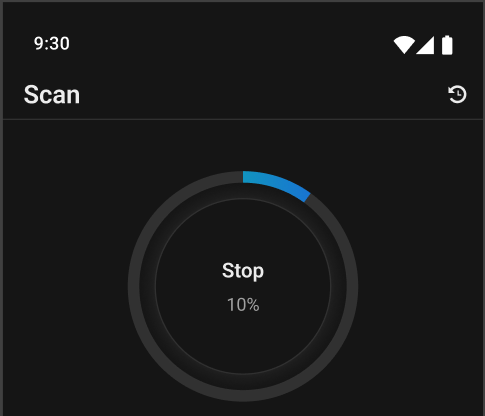
To stop a scan in progress, tap the Stop icon on the Scan screen.