


During offline upgrade, a temporary IMSVA device is
used to process email traffic. IMSVA logs all information and does
not experience any downtime during the upgrade process.
 |
TipTrend Micro recommends performing offline
upgrade when mail traffic is at a minimum. Evaluate if the temporary
IMSVA device can accommodate the total mail traffic during the upgrade
process.
When using offline upgrade:
|
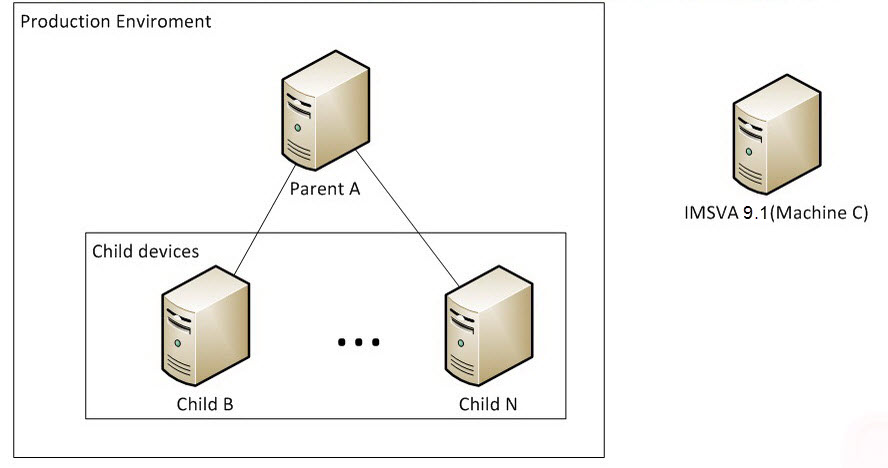
The following is an overview of the offline upgrade process:
-
Install IMSVA 9.1 on a temporary device.
-
Import the configuration settings from the production IMSVA devices.
-
Modify the DNS MX record to redirect mail traffic to the temporary device.
-
Disconnect the production devices from the network.
-
Upgrade the devices.
-
Redirect mail traffic back to the production devices.
-
Copy the logs and queue folders from the temporary device to one of the production child devices.
 |
NoteData gaps may occur after restoring the data to the child devices. If Virtual Analyzer
notifications are enabled, you may receive Virtual Analyzer service messages after
data is
restored.
|