



 |
TipTo see information about the card slots, go to in the Deep Discovery Inspector management console.
|
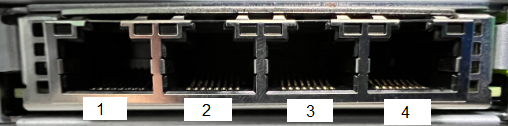
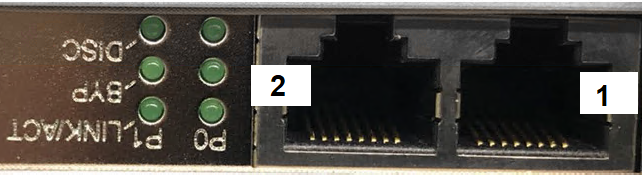
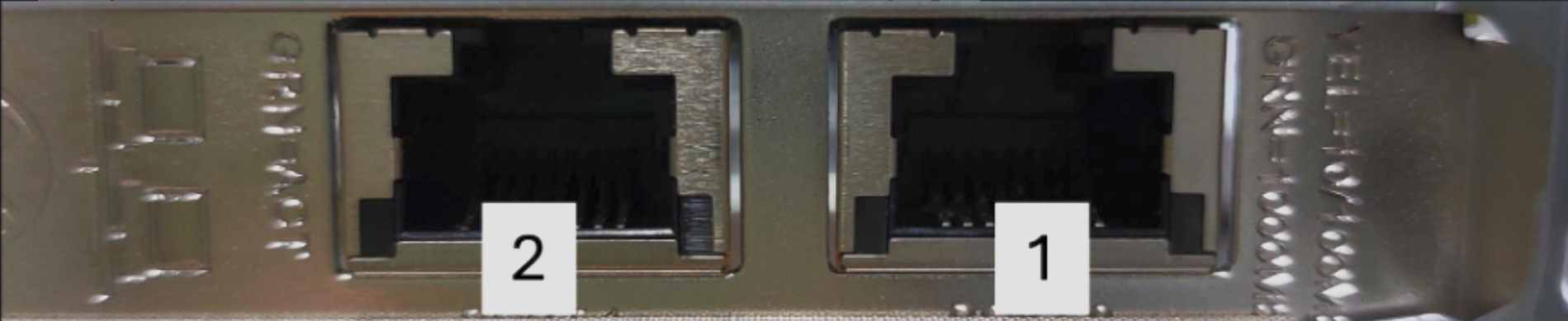
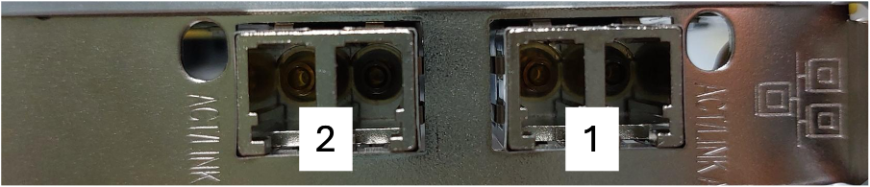
The following table outlines the port order of the network cards in the 530/1300 appliance.
|
NIC
|
Slot
|
Port order
|
|
Dedicated_Quad_Port_1GbE_Copper
|
Dedicated
|
 |
|
Dual_Port_1GbE_Copper_Bypass_Card
|
Slot 1
|
 |
|
Dual_Port_10GbE_Fiber-SR_Bypass_Card
|
Slot 1
|
 |
|
Dual_Port_1GbE_Copper
|
Slot 1
|
 |
|
Dual_Port_1GbE_Fiber
|
Slot 1
|
 |