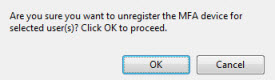
Account Administrators commonly unregister MFA devices due to loos or theft. After
unregistering
MFA devices, SecureCloud deletes the
devices' token and backup codes from the database. If a user recovers an MFA device,
Account
Administrators can re-register the device and reactivate MFA authentication.
 |
Note
Only Account Administrators can unregister MFA devices.
|