Customizing the SecureCloud Banner Parent topic

Procedure

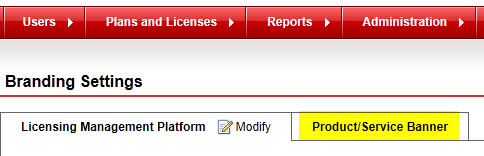
  1. Log on to Trend Micro Licensing Management Platform console.
    Tip
    Tip
    Contact your Service Provider for the URL.
  2. Click Administration > Branding > Branding Settings on the navigation bar.
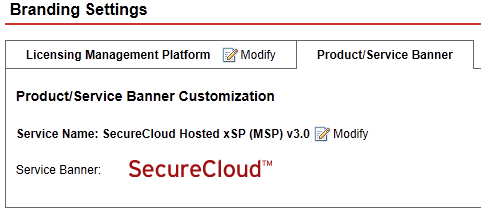
    The Product/Service Banner Customization page opens.
    branding_banner.jpg
  3. Go to the Product/Service Banner tab.
    The Modify Branding Settings page opens.
    branding_banner_settings.jpg
  4. Click Modify for changes to take effect.
    Use the Browse and Upload buttons to set your own service banner.
    Note
    Note
    You must follow the required image width and height size. Otherwise, the LMP console will not apply your own banner.
    Wait for an hour for changes to reflect on your SecureCloud web console.
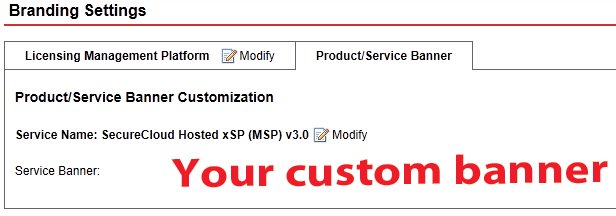
branding_sample_bannercustom.jpg

A sample customized service banner