Contents
Search
Search Knowledge Base
Collapse All
Expand All
Previous
Next
Search
Toggle Highlight
Recover a Lost/Forgotten Password
Procedure
On the
Logon
page, click the
Forgot your password?
link.
Type the account’s email address, and then click
Continue
.
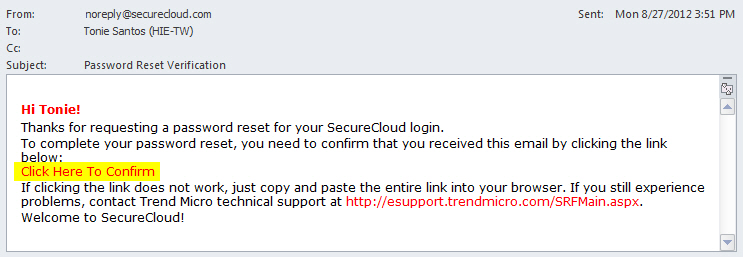
A reset password email will be sent to the registered email address shortly. This link is valid for 1 hour.
Click the link in the email to reset your password.
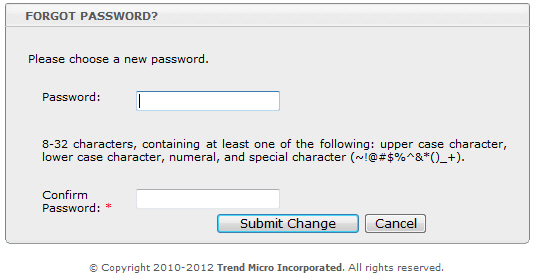
On the
Forgot Password?
page, supply your new password.
Refer to
Password
for tips on creating a solid password.
Related information
Unable to Log On to the SecureCloud Web Console