Contents
Index
Search
Search Knowledge Base
Collapse All
Expand All
Previous
Next
Search
Toggle Highlight
Adding a Custom URL Category
Procedure
Go to
Policies
→
Objects
→
URL Categories
.
Open the
Custom URL Categories
tab.
Click
Add New
.
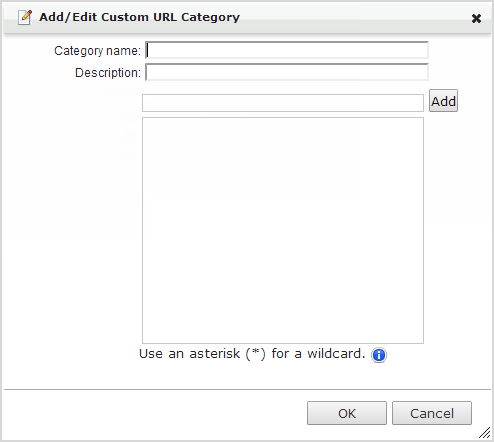
The
Add/Edit Custom URL Category
screen appears.
Specify the custom URL category name.
Specify the URL category description.
Specify a URL, and then click
Add
.
Note
Insert a wildcard (*) at the beginning or end of a URL to match zero or more characters. Examples:
*.example.com
,
www.example.com/*
.
Click
OK
.