Contents
Index
Search
Search Knowledge Base
Collapse All
Expand All
Previous
Next
Search
Toggle Highlight
Accessing the Getting Started Screen
A new
Getting Started
screen is available to make the setup process more visible. For more information about deploying
Deep Edge
, see the
Deep Edge
Deployment Guide
.
Procedure
Log on to the web console.
See
Logging on to the Web Console
.
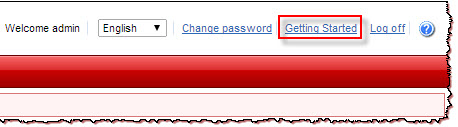
Click
Getting Started
directly from the web console to view the help content.
The
Getting Started
screen appears.