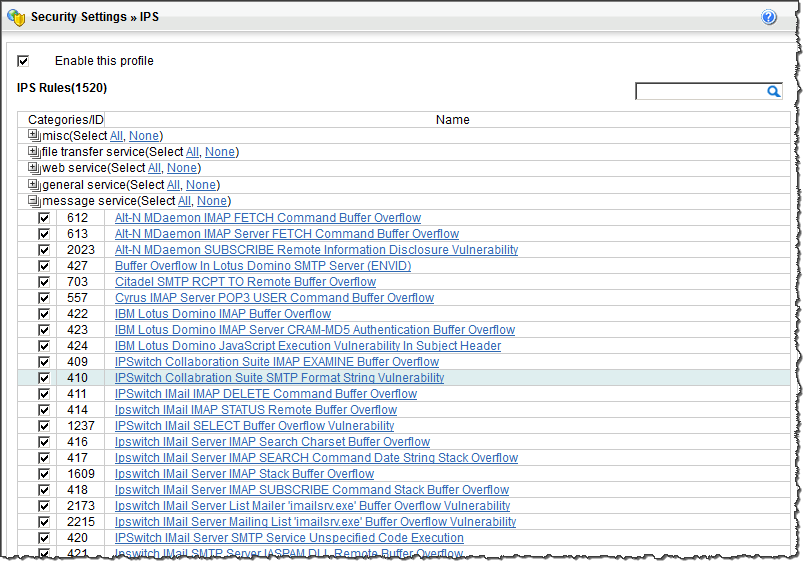
From the IPS Rule list, select either the category or the item within a
category to change. If needed, use the search field to find a specific IPS
rule.
IPS Profile Categories and Actions at Policies → Profiles → IPS
Select an action for the appropriate category or items:
Use the operators to select all items in a category (use
All) or to deselect all items in a categories
(use None.)
Expand or collapse the categories as needed.
Click the name of an item for more details about the name, description,
or level.